22
Views
0
Saves
About Word2MD
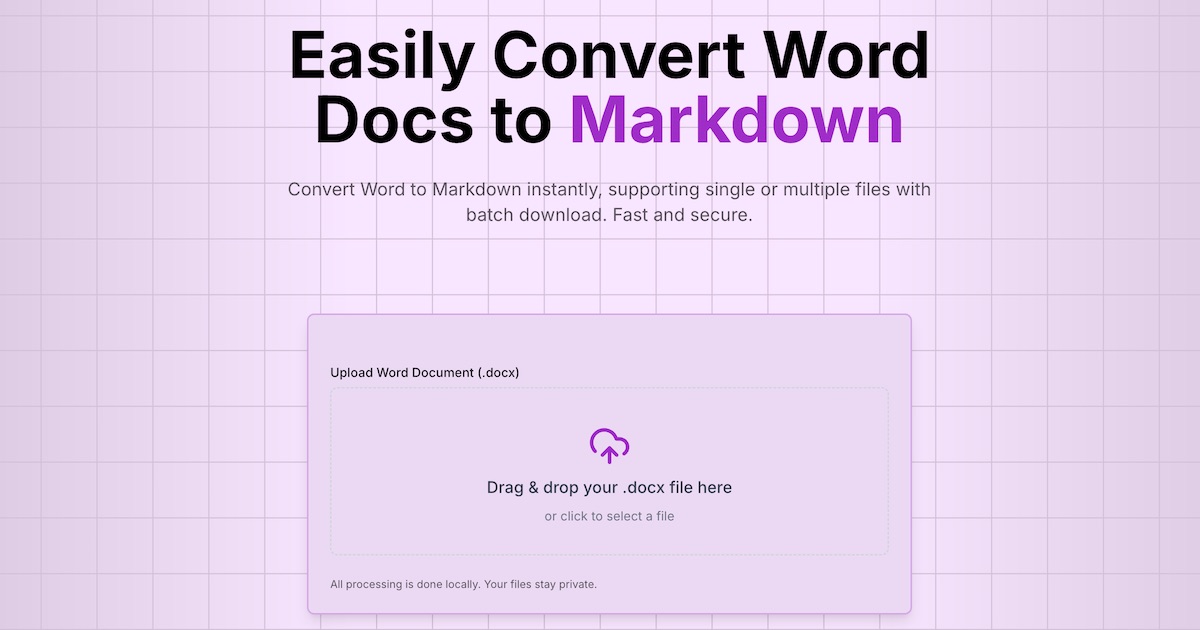
Word2MD converts .docx and .doc files to Markdown in your browser, with standard conversion running on your device so the source files stay local. It handles up to 100 files per batch (50 MB each), previews headings, lists and simple tables before export, and adds a CLI, metered API and server-side image OCR on paid plans.
Updated 11/14/2026
Key Features
- Browser conversion — .docx and Word 97–2003 .doc to Markdown, no sign-in needed
- On-device processing — standard conversion keeps your Word files on your machine
- Batch conversion — add up to 100 files at once, 50 MB each
- Structure preserved — headings, lists, links and simple tables carry into Markdown
- Preview before export — check the result, then copy it or download a .md file
- Image OCR — extracts text from images embedded in Word documents
- CLI — npx word2md-cli converts .docx files from a terminal for scripts and CI
- API access — 500 to unlimited daily conversions depending on the plan
- Share by link — publish converted Markdown with optional password and 7 or 30 day expiry
Pricing Structure
- Free — $0 — Browser conversion free; 50 API conversions per day
- Pro — $9/month — 500 API conversions per day; batch ZIP downloads
- Pro+ — $19/month — 1,500 API conversions per day; 200 image OCR per day
- Ultimate — $39/month — Unlimited daily API conversions; highest priority queue
- Pro Yearly — $86/year — $7.20/month billed yearly, 20% below monthly
- Pro+ Yearly — $182/year — $15.20/month billed yearly, 20% below monthly
- Ultimate Yearly — $374/year — $31.20/month billed yearly, 20% below monthly
- Credit Packs — $99–$199 one-time — 12,000 or 30,000 credits, valid for 12 months
Why People Use It
Word2MD keeps the Word-to-Markdown path simple and private: standard conversion runs in the browser, so a draft never leaves the machine before it reaches an editor or a repository. It covers the whole workflow — free preview and per-file downloads, then batch ZIP export, an npx CLI, a metered API for pipelines, and server-side OCR when a document's content is locked inside screenshots. Writers, documentation teams and developers get one place to move Word material into Git, a wiki or a Markdown editor.
See Word2MD in Action
0
selected