172
Views
0
Saves
About JPG2Excel
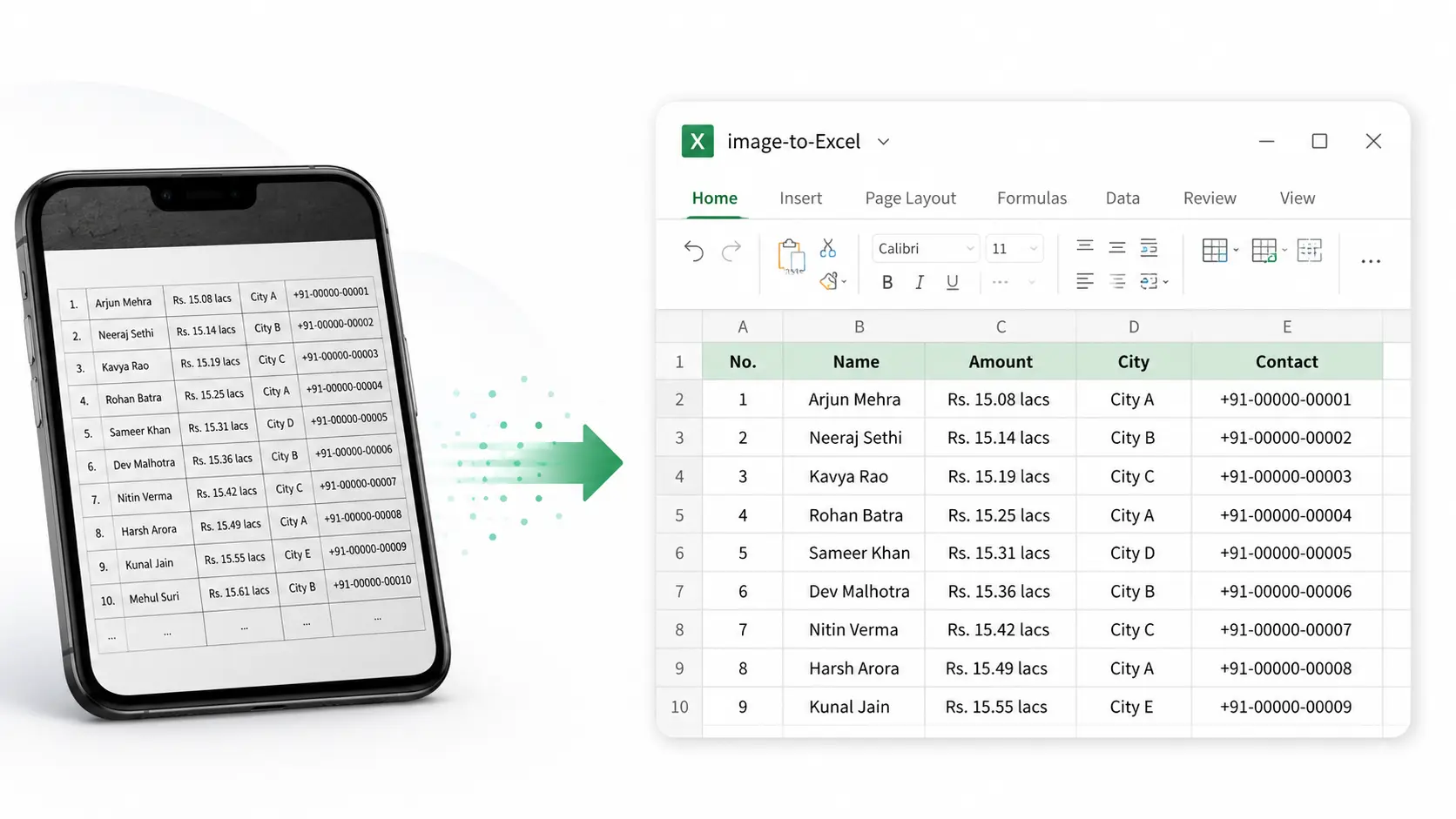
JPG2Excel is a free, browser-based converter that uses OCR and AI to turn JPG, PNG, BMP, and TIFF table images into editable Excel (XLSX, XLS) and CSV files. No installation or account is required, and uploaded files are deleted immediately after each conversion.
Updated 8/7/2026
Key Features
- OCR + AI table detection — extracts rows, columns, headers, and numbers from images
- Editable Excel output — downloads as XLSX, XLS, and UTF-8 CSV, not flat screenshots
- Batch processing — convert up to 10 files (50 MB combined) in one run
- Multiple upload sources — device, Google Drive, Dropbox, OneDrive, or direct image link
- Multilingual OCR — recognizes tables in 109 languages across Latin, Cyrillic, Arabic, and Devanagari scripts
- Instant preview and retry — review the result and re-run OCR before downloading
- Layout retention — keeps rows, columns, and alignment close to the original
- Secure handling — files deleted immediately after conversion, no sign-up required
- Cross-format support — also handles JPEG, PNG, BMP, TIF, and TIFF screenshots or scans
Pricing Structure
- Free — $0 — 3 single-image conversions per day; no sign-up required.
Why People Use It
People use JPG2Excel to pull structured data out of receipt, invoice, inventory, and report images without retyping them by hand. It is a quick data-entry aid for anyone who needs table rows and columns in Excel, Google Sheets, or CSV for cleanup and analysis.
See JPG2Excel in Action