
1
Views
0
Saves
About ScanRead.ai
ScanRead.ai turns photos, screenshots, scans and PDFs into copyable, editable text in seconds, covering handwriting and 100+ languages. Free without an account at 20 pages a day, with paid plans for batch uploads and higher page limits.
Updated 11/17/2026
Key Features
- OCR for photos, screenshots, scanned PDFs and handwriting — both cursive and print
- 100+ languages including Arabic, Japanese, Chinese, Hindi and Russian
- Runs PP-OCRv5 and PaddleOCR-VL, with per-dataset F1 benchmarks published against Google Vision and AWS Textract
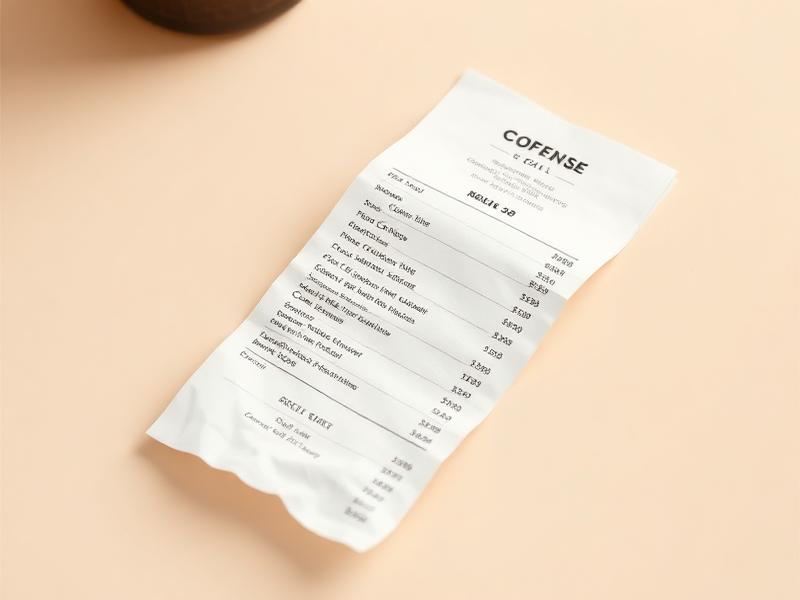
- 22 task-specific tools — image to text, PDF to Word, handwriting to text, math to LaTeX and receipt OCR
- Table and handwriting recognition, with export as .txt, .md or .docx
- Batch upload — 20 files at a time on Pro, 100 on Unlimited — plus priority processing
- Paste straight from the clipboard, then copy, download or share results as a public link
- No signup needed to start; Google sign-in requests only openid, email and profile
- Results are watermark-free on paid plans
Pricing Structure
- Free — $0 — 20 pages/day, 100+ languages, small download watermark
- Pro — $19/month — 3,000 pages/mo, 20-file batch upload, no watermark
- Unlimited — $39/month — Unlimited pages, 100-file batch upload, top priority
- Pro (annual) — $10/month billed yearly — $120/year; same 3,000 pages per month
- Unlimited (annual) — $20/month billed yearly — $240/year; unlimited pages and priority
- Enterprise — Custom — Custom limits, SLA or on-premise — contact sales
Why People Use It
Generic OCR is fine on clean print and falls over on handwriting, dense CJK or a photographed receipt. ScanRead runs two published open models and shows the per-dataset accuracy beside Google Vision and AWS Textract, so you can see where it actually wins before trusting it with real documents. Twenty free pages a day with no signup makes that accuracy question cheap to answer on your own files.
See ScanRead.ai in Action
0
selected