16
Views
0
Saves
About RoomRedesign AI
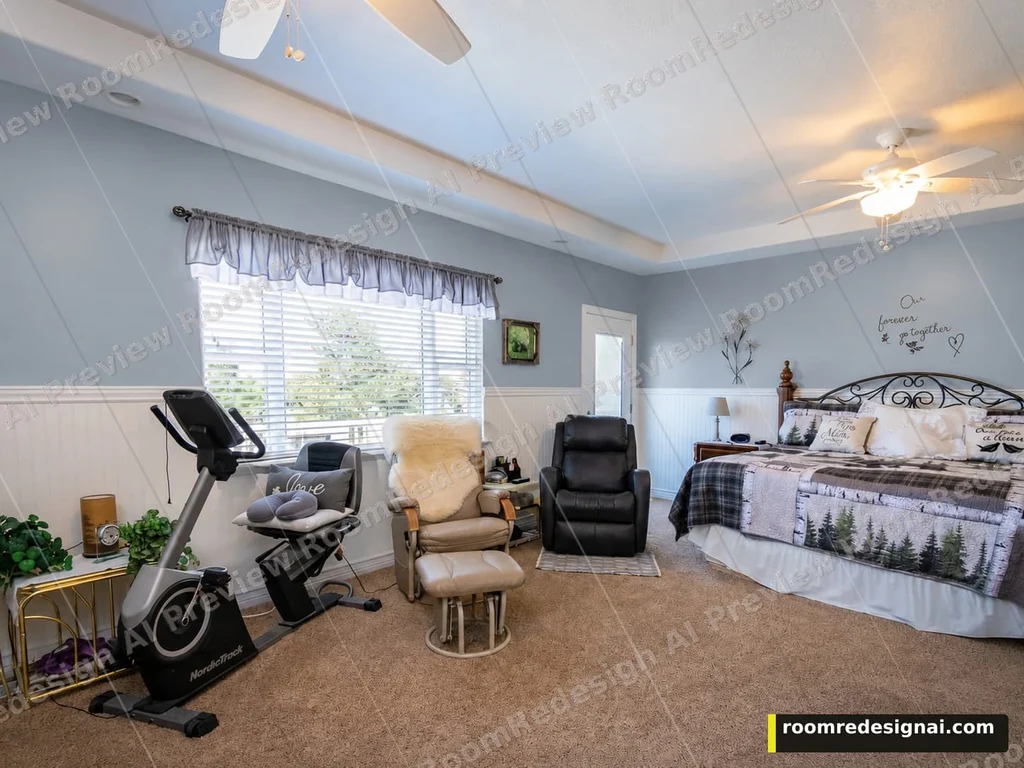
Preview wall colors, cabinet finishes, flooring, or textiles in a room photo and compare visual options.
Updated 10/19/2026
Key Features
- Preview wall colors, cabinet finishes, flooring, or textiles in a room photo
- Compare visual options before purchasing materials or decor
- Upload your room photo and choose one surface to change (wall, cabinet, floor, textile)
- Free photo analysis may suggest options; confirm quality and price before generating
- Compare another option from the same original or use This version to add a second change
- Watermarked preview costs 1 credit; Clean Standard 2 credits; HD output 3 credits
- Free sign-up includes 3 preview credits (up to 3 watermarked directions)
- Buy credit packs once — they never expire — or subscribe for monthly credit refills
- Failed generation automatically refunds the credit
- Sign-in via Google only; photo quality check does not spend credits
Pricing Structure
- Free — $0 — 3 preview credits on sign-up — up to 3 watermarked directions
- Starter Pack — $4.99 for 30 credits — $0.33 per redesign; credits never expire
- Popular Pack — $12.99 for 100 credits — $0.26 per redesign; best value for occasional use
- Pro Pack — $29.99 for 300 credits — $0.20 per redesign; best value per redesign
- Monthly Subscription — $9.99/month — 100 credits refilled monthly; cancel anytime
- Monthly Max Subscription — $24.99/month — 400 credits refilled monthly; for heavier, ongoing use
Why People Use It
RoomRedesign AI lets users visualize home design changes by uploading a room photo and previewing wall colors, cabinet finishes, flooring, or textiles. The tool helps avoid costly mistakes by allowing users to test options before purchasing materials or decor. With a credit-based system (packs or subscriptions) and AI-powered previews, users can experiment with multiple design choices quickly and affordably.
See RoomRedesign AI in Action