0
Views
0
Saves
About PhotoRealify
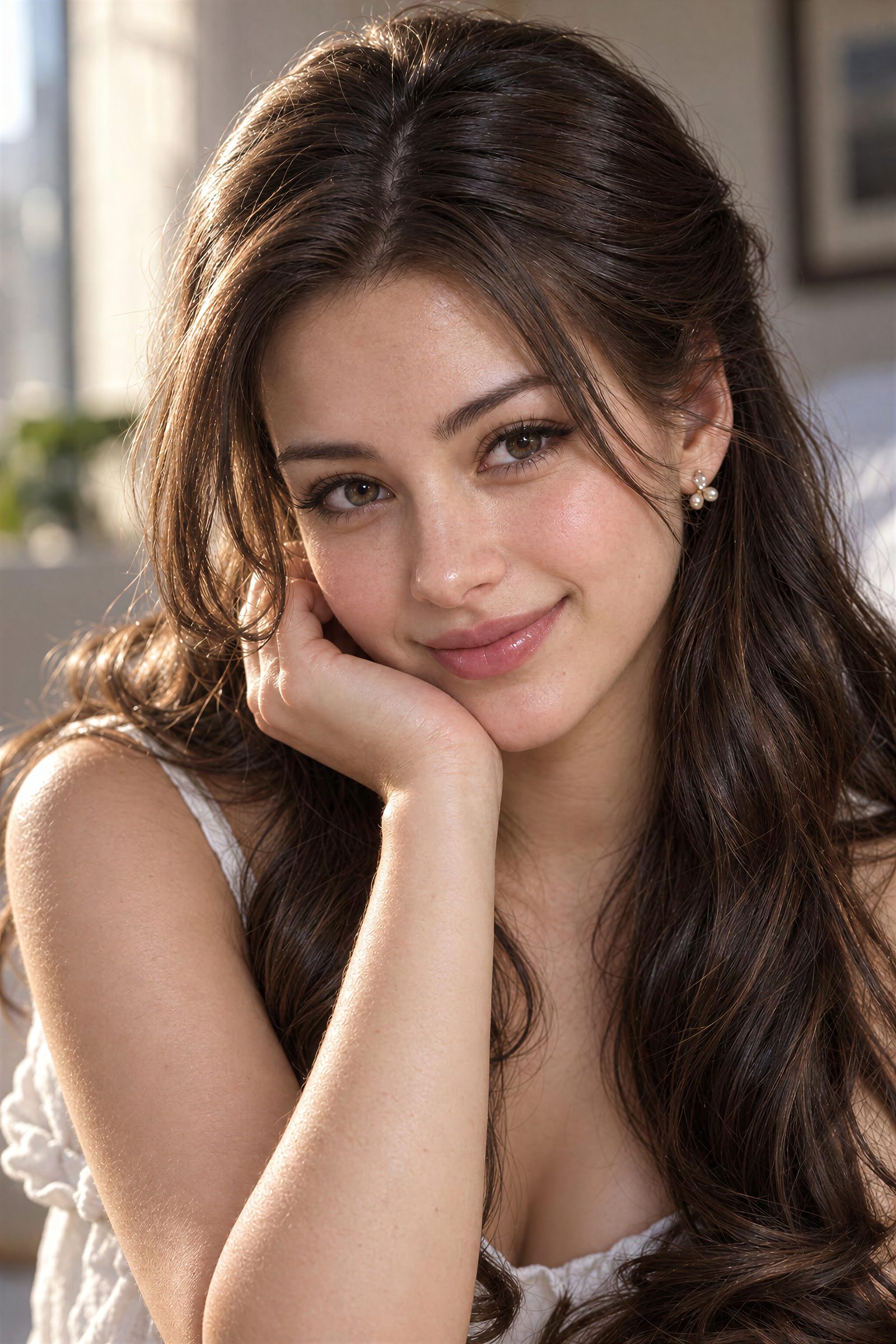
PhotoRealify makes AI-generated images look more photographic by reconstructing skin, hair, fabric, lighting and other details instead of simply enlarging the image. Upload an existing image, choose a realism level and output size up to 4x, then compare the original and converted result. The first conversion is free, with paid credit-based plans starting at $7.99/month. Results vary by image and settings.
Updated 10/26/2026
Key Features
- Generative Detail Reconstruction — re-renders AI images as photographs rather than simply upscaling pixels
- Up to 4x resolution output — print-ready results with reconstructed micro-detail
- Four realism levels — Basic, High, Extreme, and Resolution-only for different use cases
- First conversion free — no credit card or account required to try
- Batch upload — process multiple images at once on paid plans
- Interactive before/after slider — compare original and converted result directly
- Broad input support — works with JPEG, PNG, and WEBP up to 25MB from any AI generator
Pricing Structure
- Starter — $7.99/month — 60 credits/month; ~30 High-realism conversions; unlocks Extreme and 4x output
- Basic — $19.99/month — 200 credits/month; ~100 High-realism conversions; batch upload 2 at a time
- Pro — $49.99/month — 500 credits/month; ~250 High-realism conversions; batch upload 3 at a time
- Ultra — $199.99/month — 2000 credits/month; ~1000 High-realism conversions; batch upload 5 at a time; priority support
Why People Use It
PhotoRealify fills the gap between AI generation and publication-ready photography. While AI image models capture composition well, they leave telltale signs in skin, hair, and texture that viewers read as fake. PhotoRealify's Generative Detail Reconstruction rebuilds those surfaces from scratch as real photographic material, then reconstructs resolution up to 4x. The result is an image that passes the squint test without requiring retouching skills or specialist software.
See PhotoRealify in Action