15
Views
0
Saves
About ManualFig
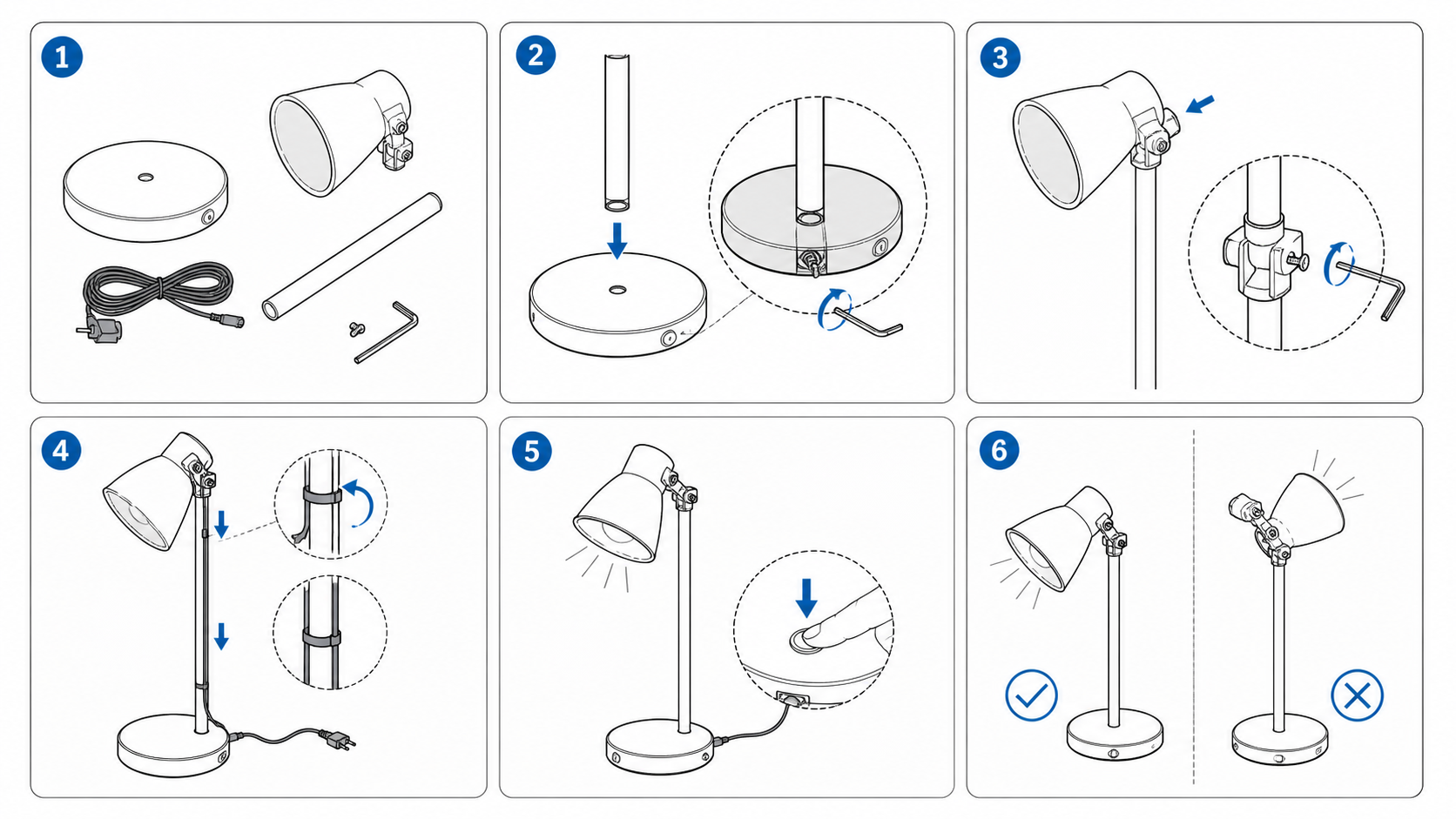
ManualFig turns a product photo, CAD screenshot or written step list into clean line-art instruction figures — numbered steps, part callouts, direction arrows and correct/incorrect panels. Figures export as PNG or SVG for product manuals, IFUs, quick-start guides and work instructions.
Updated 11/15/2026
Key Features
- Photo and CAD to line drawing — product photos, CAD screenshots, supplier images and sketches become clean instruction line art
- Step list to illustrated procedure — numbered assembly steps, callouts, arrows, zoom details and warnings generated from written steps
- Correct/incorrect panels — paired panels showing what to do and what to avoid
- Sentence-level editing — revise any figure with a plain-language instruction and keep every version
- PNG and SVG export — figures drop straight into manuals, packaging inserts, help centres and work-instruction systems
- Reference-image guidance — uploaded photos steer proportions and part shapes on new figures
- Multi-product manual workflow for documentation teams running several product lines
- Project history with a version record for every figure
- Free tier with 10 sign-up credits plus 10 credits every day (about one image a day)
Pricing Structure
- Free — $0 — 10 sign-up credits, then 10 credits/day
- Starter — $30/mo — 200 credits/month, about 20 images
- Pro — $60/mo — 600 credits/month, reference-guided edits
- Business — $120/mo — 1,500 credits/month, batch figure sets
Why People Use It
Instruction figures are the bottleneck in product documentation: every one means an illustrator or an afternoon of hand-tracing. ManualFig generates a consistent set from the photos and step lists a documentation team already has, in the flat line-art style manuals need rather than glossy marketing renders. Because the exports are plain PNG or SVG, the same figure drops into a printed manual, an IFU or a help centre.
See ManualFig in Action
0
selected