19
Views
0
Saves
About LineSVG
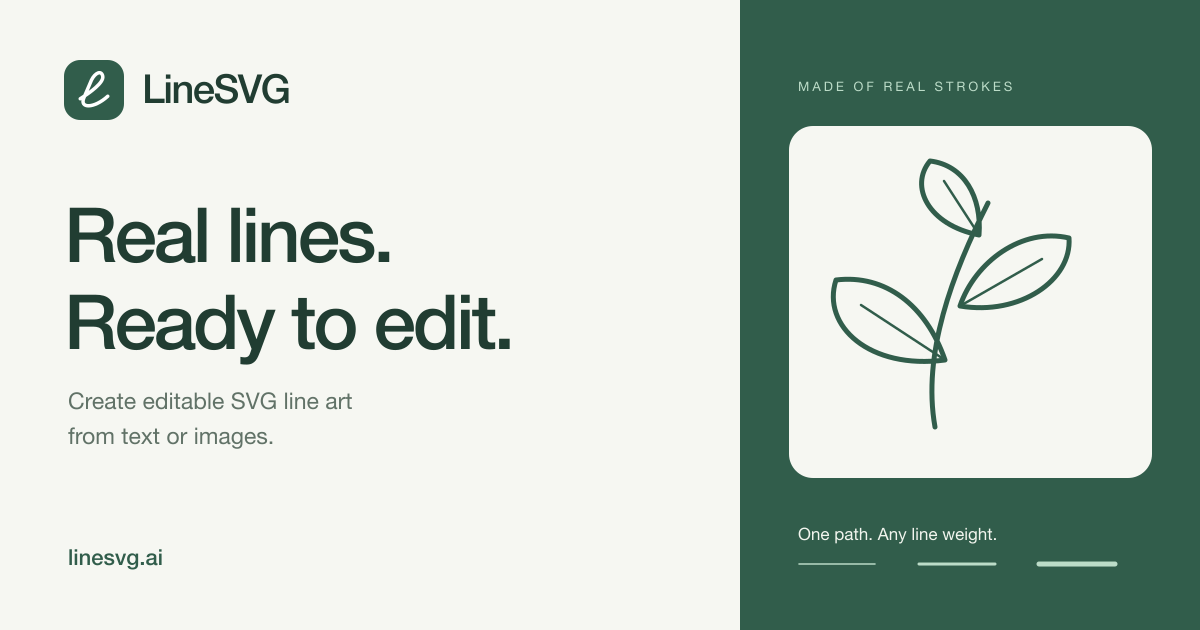
LineSVG generates line art as real SVG strokes rather than filled outlines: describe a drawing or upload an image and the result stays editable in Figma, Illustrator, Inkscape or code. Stroke weight, colour and dashes can be changed after generation, and a free editor restyles any SVG you already have.
Updated 11/15/2026
Key Features
- Text to SVG — describe an idea and get line art, with paths streaming onto the canvas as they generate
- Image to SVG — PNG, JPG and WebP uploads up to 20 MB reinterpreted as vector strokes
- Real strokes, not outlines — line weight, colour and dashes stay adjustable after generation
- Colour when you want it — strokes, fills and gradients kept together in one editable file
- Free SVG editor — restyle an uploaded SVG, or describe an edit (recolour, remove, rename) and have it changed in place
- Scenario presets — line art, photo to line art, sketch to SVG, colouring pages and single-line SVG for Cricut
- Export clean SVG or PNG, or copy the raw code
- Imports into Figma, Illustrator, Inkscape or Affinity as regular vector objects
- Stroke edits and saved versions cost no credits
Pricing Structure
- Free — $0 — 10 welcome credits; 10 credits per generation
- Basic — $50/mo — 500 credits/month, about 50 generations
- Pro — $100/mo — 1,500 credits/month, saved versions
- Enterprise — $200/mo — 4,000 credits/month, high-volume creation
Why People Use It
Most image-to-SVG tools hand you filled outlines that only look like lines, so the first restyle means starting over. LineSVG keeps the output as strokes inside a normal SVG, which is why plotters, foil and embroidery workflows can follow one path per line. The free editor means a single generation can be reworked as often as you like without spending more credits.
See LineSVG in Action
Tags
0
selected