15
Views
0
Saves
About LayerBack
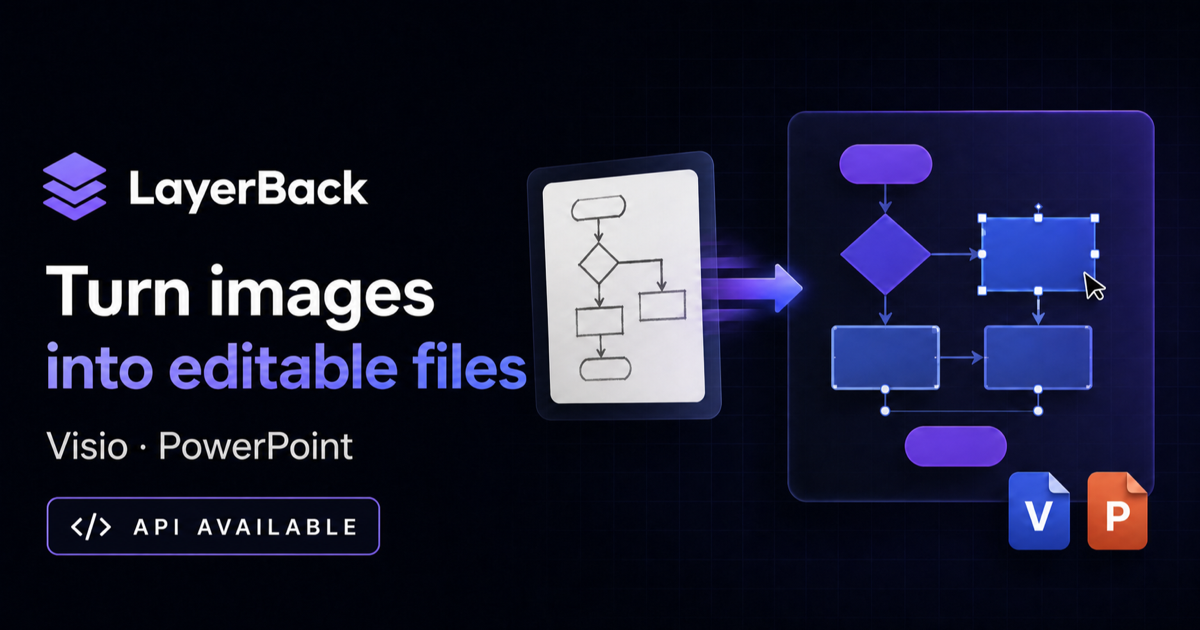
LayerBack rebuilds a screenshot, PDF page or photo of a flowchart, architecture diagram or org chart as real shapes, connectors and editable text, then exports VSDX, PPTX, draw.io XML or SVG. Conversion and preview are free without an account; a download or edit costs 10 credits.
Updated 11/15/2026
Key Features
- Image to Visio — PNG, JPG and WebP up to 20 MB, plus PDF pages, rebuilt as editable VSDX shapes
- Every format from one conversion — Visio VSDX, PowerPoint PPTX, draw.io XML and SVG
- Native shapes and text — rectangles, diamonds, containers and labels become real objects with editable text
- Connectors that stay attached — arrows keep their endpoints bound to shapes when you move or resize them
- In-browser editor — fix the diagram before downloading, with conversion history
- Flowcharts, architecture diagrams, UML, ER diagrams, org charts and network topologies
- REST API with API keys — convert programmatically and receive job callbacks
- Failed conversions are auto-refunded and cost nothing
- Free conversions and previews with no sign-in
Pricing Structure
- Free — $0 — Free conversions and previews; 10 credits per download
- Pro — $20/mo — 1,000 credits/month, about 100 conversions
- Plus — $40/mo — 3,000 credits/month, 10 conversions at a time
- Max — $80/mo — 10,000 credits/month, higher API rate limits
Why People Use It
Most image-to-Visio converters wrap the picture in a file container, so the file is still a bitmap with a diagram drawn on it. LayerBack rebuilds the diagram itself — shapes, connectors and text — so the result opens in Visio, PowerPoint or draw.io as something you can actually edit. Because the preview is free, you can check one conversion before spending any credits.
See LayerBack in Action
Tags
0
selected