116
Views
0
Saves
About FlowChart AI
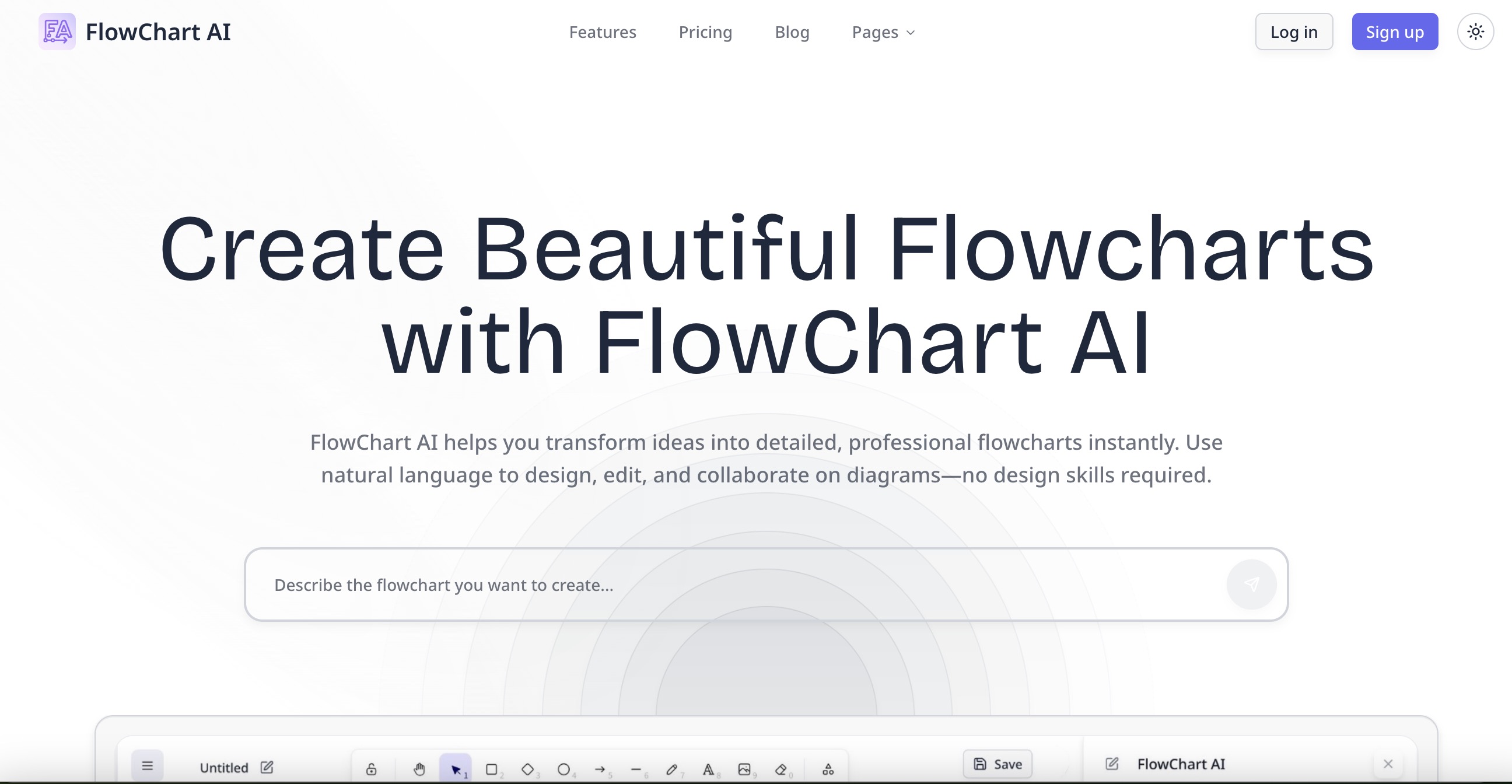
FlowChart AI converts natural-language instructions and uploaded images into editable flowcharts. It is built for project managers, startup teams, developers, educators, students, operations teams, and other professionals who need to turn ideas into clear process diagrams quickly, with an editable canvas plus export and sharing.
Updated 8/29/2026
Key Features
- Text to flowchart — Convert natural language instructions into editable diagrams
- Image to flowchart — Upload images, diagrams, or sketches to create editable flowcharts
- Editable canvas — Drag-and-drop interface to refine and customize flowcharts
- Multiple exports — Export to PNG, SVG, Excalidraw formats (PDF coming soon)
- Template library — Pre-made templates for onboarding, support, product launch, and more
- Version history — Track changes and revert to previous versions
- Collaboration features — Share and collaborate on flowcharts with team members
- AI-powered understanding — Handles both concise and complex process descriptions
Pricing Structure
- Free — $0 — 1 AI request per day
- Pro — $10/month — Unlimited AI requests, export to PNG/SVG/Excalidraw, priority processing, version history
Why People Use It
FlowChart AI enables professionals to quickly turn ideas, processes, and workflows into clear, editable diagrams without needing design skills. By understanding natural language and image inputs, the AI generates professional flowcharts that can be refined, exported, and shared, saving hours of manual diagramming work. The platform offers a generous free tier for experimentation and affordable professional plans for unlimited use.
See FlowChart AI in Action