496
Views
0
Saves
About Cursor
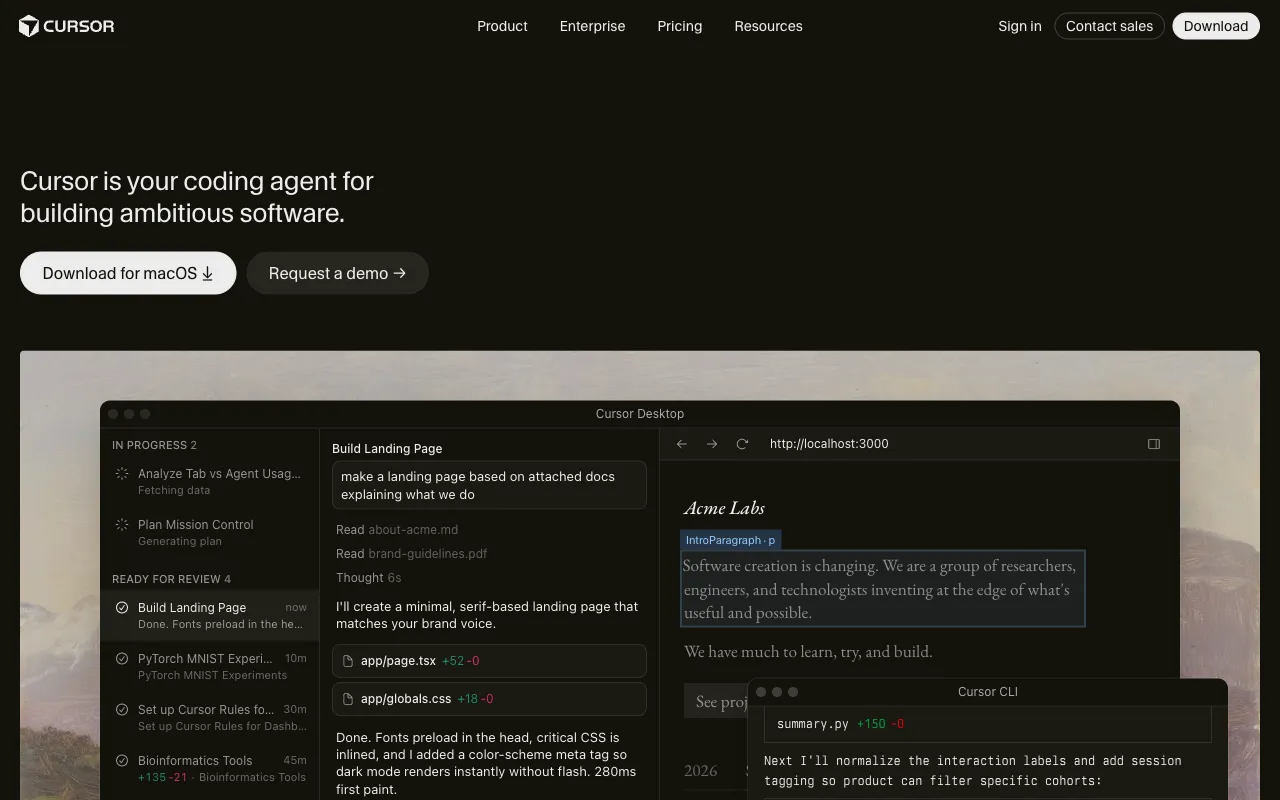
Cursor is an AI-native code editor and coding agent platform that has become the dominant alternative to VS Code. Built as a VS Code fork, it supports all your favorite extensions and themes while embedding AI directly into the editor's core. As of 2026, Cursor operates across three interfaces — a full IDE, a CLI tool, and cloud-based autonomous agents — and is trusted by over half of the Fortune 500 including Stripe and NVIDIA.
Updated 6/23/2026
Key Features
- Autonomy Slider — Choose your level of AI independence: Tab completion for quick suggestions, Cmd+K for targeted edits, or full autonomous agentic mode that builds, tests, and demos features end-to-end
- Composer 2.5 — Describe a feature in natural language and the AI creates or edits multiple files simultaneously to build it, with the latest model delivering significant quality improvements
- Cloud Subagents — Run multiple agents in parallel, each on its own cloud machine, building and testing different features simultaneously while you focus on decision-making
- Secure Codebase Indexing — Cursor learns your entire codebase regardless of scale; ask 'Where is the authentication logic?' or 'How does this change affect the database schema?' and get precise, contextual answers
- Bugbot — Automated code review agent that finds bugs, suggests improvements, and reviews PRs directly in GitHub — now 3x faster and 22% cheaper
- Design Mode — Drag a screenshot or Figma link directly into the editor and Cursor generates matching React/Tailwind code instantly
- Multi-Model Support — Switch between OpenAI, Anthropic, Gemini, xAI, and Cursor's native models (GPT-5.5, Opus 4.8, Composer 2.5) without leaving the editor
- MCPs, Skills & Hooks — Extend Cursor with Model Context Protocol servers, custom skills, and automation hooks for tailored workflows
Pricing Structure
- Hobby — $0/month — Limited agent requests and Tab completions, no credit card required — great for trying Cursor
- Pro — $20/month — Extended agent limits, frontier models, MCPs/skills/hooks, cloud agents, Bugbot on usage-based billing
- Pro+ — $60/month — Higher usage limits for daily agent users who need more model credits
- Ultra — $200/month — Maximum usage for power users running multiple background agents with massive context windows
- Teams — $40/user/month — Centralized billing, team marketplace for internal rules/skills/plugins, agentic code reviews, shared team context, usage analytics, SAML/OIDC SSO
- Enterprise — Custom — Pooled usage, invoice/PO billing, SCIM seat management, repository/model/MCP access controls, audit logs, priority support
Why People Use It
Cursor's key advantage is context — because it is AI-first rather than AI-as-a-plugin, it understands your project's specific architecture and coding style. While GitHub Copilot gives generic answers, Cursor gives answers that look like you wrote them. With the addition of cloud subagents, Bugbot, and Design Mode, it has evolved from a smart autocomplete tool into a full agentic development platform.
See Cursor in Action