57
Views
0
Saves
About ClapClip AI
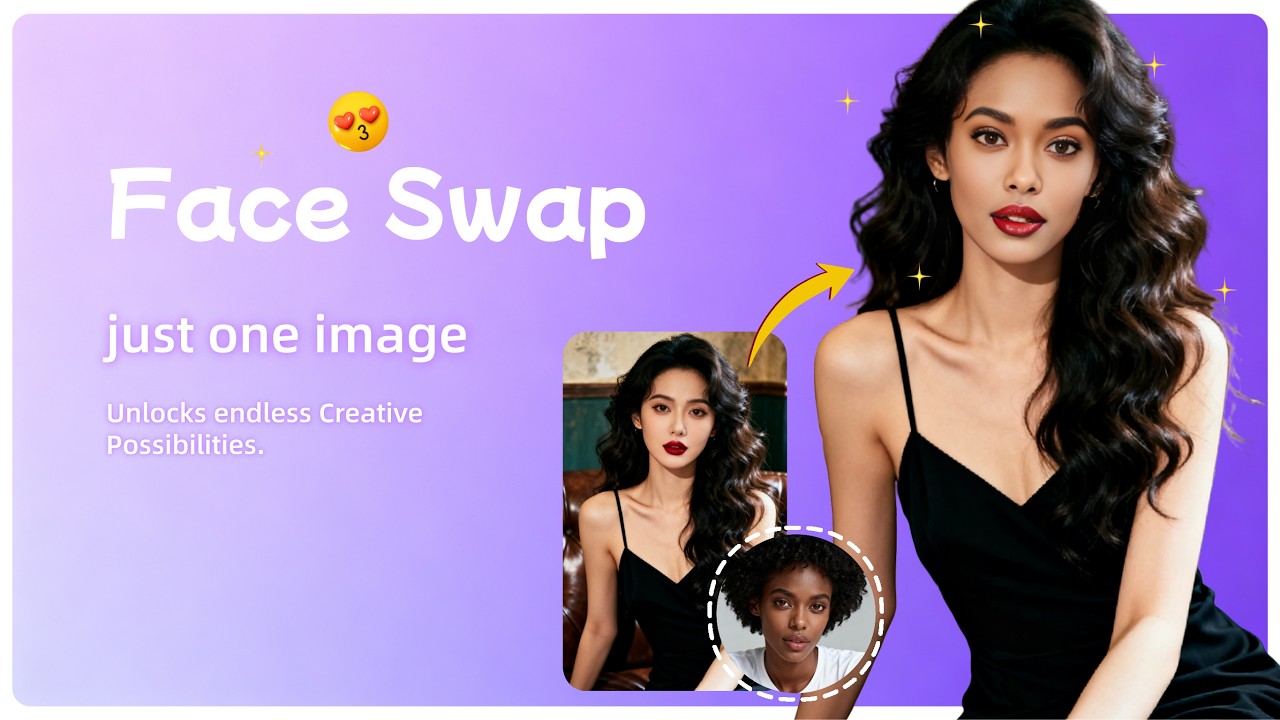
ClapClip AI is a Windows desktop app that performs photo and video face swaps locally, with real-time preview, automatic face tracking, and GPU-accelerated export that never uploads your media. Downloading and previewing are free, while rendering and export are unlocked by an in-app purchase.
Updated 11/3/2026
Key Features
- Local face swap — photos and video processed on your Windows PC, with no uploads
- Real-time preview — watch the swap update live as you adjust the settings
- Automatic face tracking — detects and follows faces across every frame
- Multi-face scenes — more than one face can be swapped in the same clip
- No cloud clip-length cap — length is limited only by GPU, disk, and resolution
- GPU acceleration — NVIDIA, AMD, and Intel GPUs via DirectML
- Batch export — apply one face across a folder of photos or videos
- Long-form video — built for footage that is too long for cloud tools
- Creator workflows — stand-in replacement, ad localization, group-photo fixes
- Free to download and preview — export is unlocked by an in-app purchase
Pricing Structure
- Free — $0 — Download, run and preview swaps locally.
- Export — In-app purchase — Unlocks rendering and export; price shown in-app.
Why People Use It
ClapClip AI targets editors who need face swaps on long or private footage without cloud uploads or clip-length caps. Because rendering happens locally with GPU acceleration, you can preview in real time and run a whole folder through in one pass. It is free to download and try, and a one-off in-app purchase unlocks export, rather than the credit packs most online face-swap tools rely on.
See ClapClip AI in Action
0
selected