2
Views
0
Saves
About AI Yard Planner
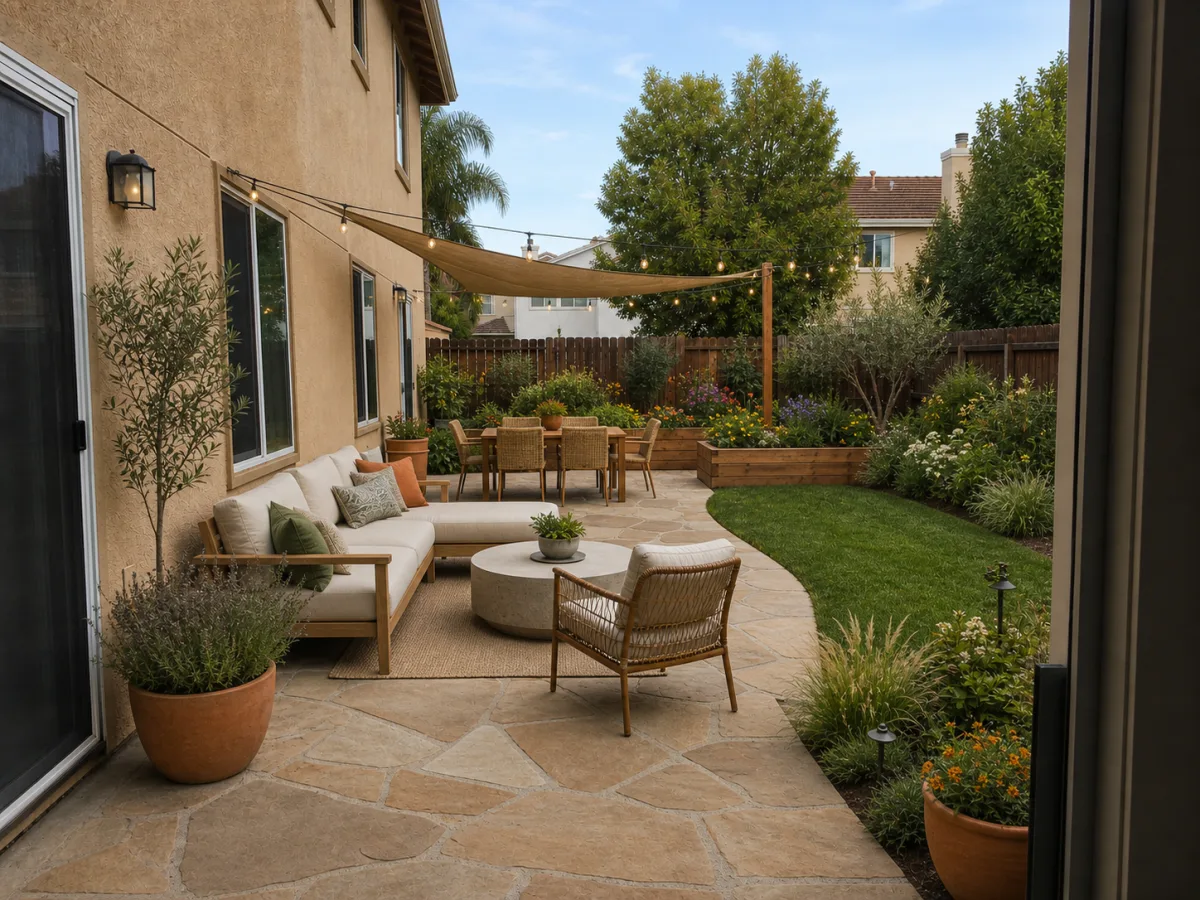
AI Yard Planner turns a photo of your own backyard, front yard, garden, or patio into an outdoor design direction with planting, materials, maintenance, and budget notes, keeping the house, fence, and existing hardscape recognizable. New accounts get 5 free credits and one credit produces one concept, with no subscription required.
Updated 9/28/2026
Key Features
- Photo-first design — the house, fence, paths, and driveway stay recognizable
- Four spaces — backyard, front yard, garden bed, and patio
- Four goals — low-maintenance, curb appeal, outdoor living, or budget refresh
- Four style directions — native garden, warm modern, cottage layered, and drought-smart
- Design set renders all four styles side by side for direct comparison
- Before/after comparison sliders on real yard photos
- Homeowner planning notes covering planting, materials, upkeep, and budget ranges
- Honest scope — a design direction, not construction documents
Pricing Structure
- Free — $0 — 5 credits on signup, no card needed.
- Starter — $4.99 one-time — 30 credits; one credit per concept.
- Planner — $14.99 one-time — 100 credits; best for comparing ideas.
- Studio — $29.99 one-time — 300 credits; repeated iterations.
Why People Use It
Homeowners use AI Yard Planner to compare a few directions on their own yard before spending on plants, pavers, or a designer. Rendering the same space in four styles side by side is what turns an abstract preference into a decision. The maintenance and budget ranges are also useful, since they let you drop a cottage direction you would not enjoy keeping up.
See AI Yard Planner in Action