38
Views
0
Saves
About AI Image Extender
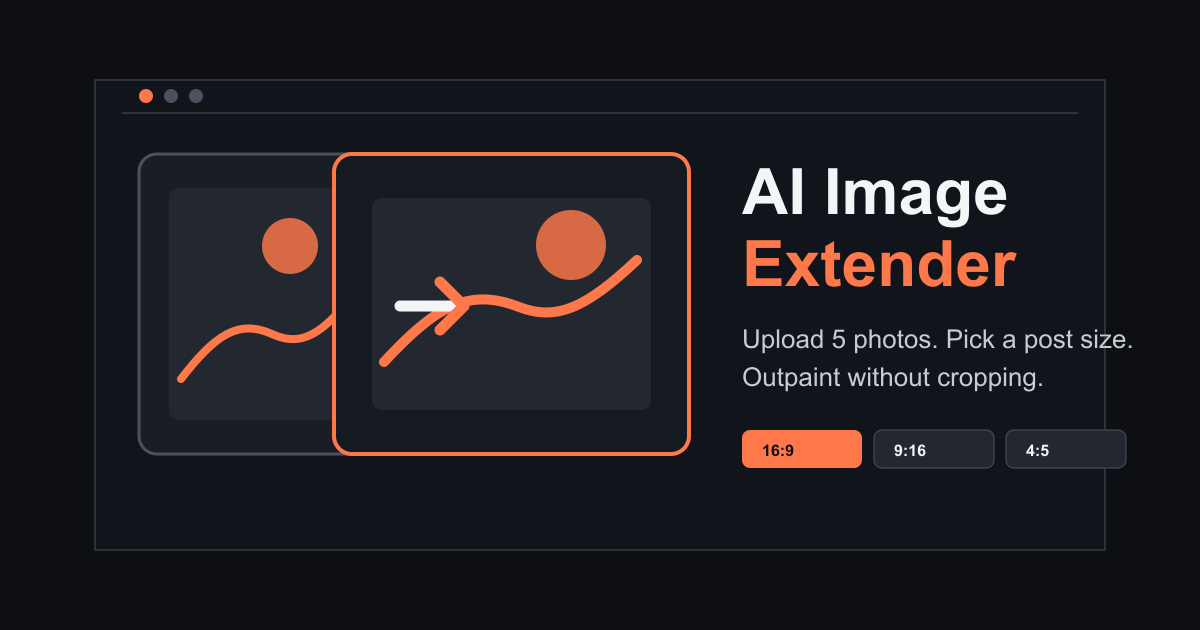
AI Image Extender expands photos into wider or taller frames without cropping, helping prepare visuals for social posts, product listings, presentations, and print layouts. Upload up to five JPG, PNG, or WEBP images (10 MB each), choose a common ratio such as 1:1, 4:5, 9:16, 16:9, 4:3, or 1.91:1, and review the canvas before generating. Google sign-in includes five free credits each month; one credit covers one finished image. Source and generated images are stored for 24 hours. Generative outpainting can change details near the new edges, so inspect the result before publishing. Optional paid plans and one-time credit packs are available. AI Image Extender creates new surrounding pixels; it does not preserve every scene detail or replace careful image editing.
Updated 10/9/2026
Key Features
- AI outpainting — expands photos into wider/taller frames without cropping
- Upload up to 5 JPG/PNG/WEBP images (10 MB each)
- Choose aspect ratio: 1:1, 4:5, 9:16, 16:9, 4:3, 1.91:1
- Google sign-in — 5 free credits monthly
- One credit = one finished image
- Source/generated images stored 24 hours
- Generative outpainting — can change details near new edges
- Optional paid plans & one-time credit packs available
- Reviews seams before use — check perspective, patterns, details
- Commercial use allowed with proper source rights
Pricing Structure
- Free — $0/month — 5 credits monthly (5 images)
- Pro — $12.99/month — 100 images monthly
- Popular Pack — $14.99 one-time — 100 credits (100 images)
- Max — $29.99/month — 400 images monthly
- Studio — $99.00/month — 2,000 images monthly
Why People Use It
AI Image Extender lets users extend photos into wider or taller frames using AI outpainting — perfect for social media posts, product listings, presentations, and print layouts when you need to fit images to specific ratios without cropping important content.
See AI Image Extender in Action